

How a guest signs in
- The guest picks SAML on the Captive Portal.
- Their browser is redirected to the Organization’s Self-Service IdP.
- After IdP authentication, the browser returns to the portal with a signed SAML assertion.
- Netgraph validates the assertion, then consults the Access Policy for this Context. The policy decides whether this identity is allowed through.
- If allowed, network access is granted.
Who gets through: Access Policy filtering
Authentication and authorization are separate:- Authentication — “is this person’s IdP account valid?” — handled by the Self-Service IdP.
- Authorization — “should this authenticated person get access on this Context’s Captive Portal?” — handled by the Access Policy.
- SAML Login — master flag. Must be on for SAML to appear on the portal for guests matched by this policy.
- Max devices — per-identity device cap.
- Redirect — where the guest lands after a successful SAML sign-in.
- Session length — a fixed timeout or a concrete end date. Only the flag chosen on Ticket policy is used — the other field is ignored.
@your-company.example on Applies To
only accepts SAML identities with that email-domain suffix.
See Access Policies for how
to decide which policy a given guest matches.
Activate the module on the Context
Prerequisite: the Organization has a Self-Service IdP configured (see Organization SAML authentication). Without that, the Captive Portal SAML module has nothing to authenticate against.Enable SAML provisioning in the relevant Access Policy
Captive Portal → Access Policies → the policy you want SAML
on → turn on the SAML provisioning flag. This is the switch
without which SAML will never appear on the portal for guests
matched by this policy.
Configure walled-garden entries
Guests’ browsers must reach the IdP before sign-in completes.
Add the IdP’s hostnames to the Captive Portal
walled garden — see the
IdP setup guide for
the specific hostnames per IdP.
Managing SAML guests
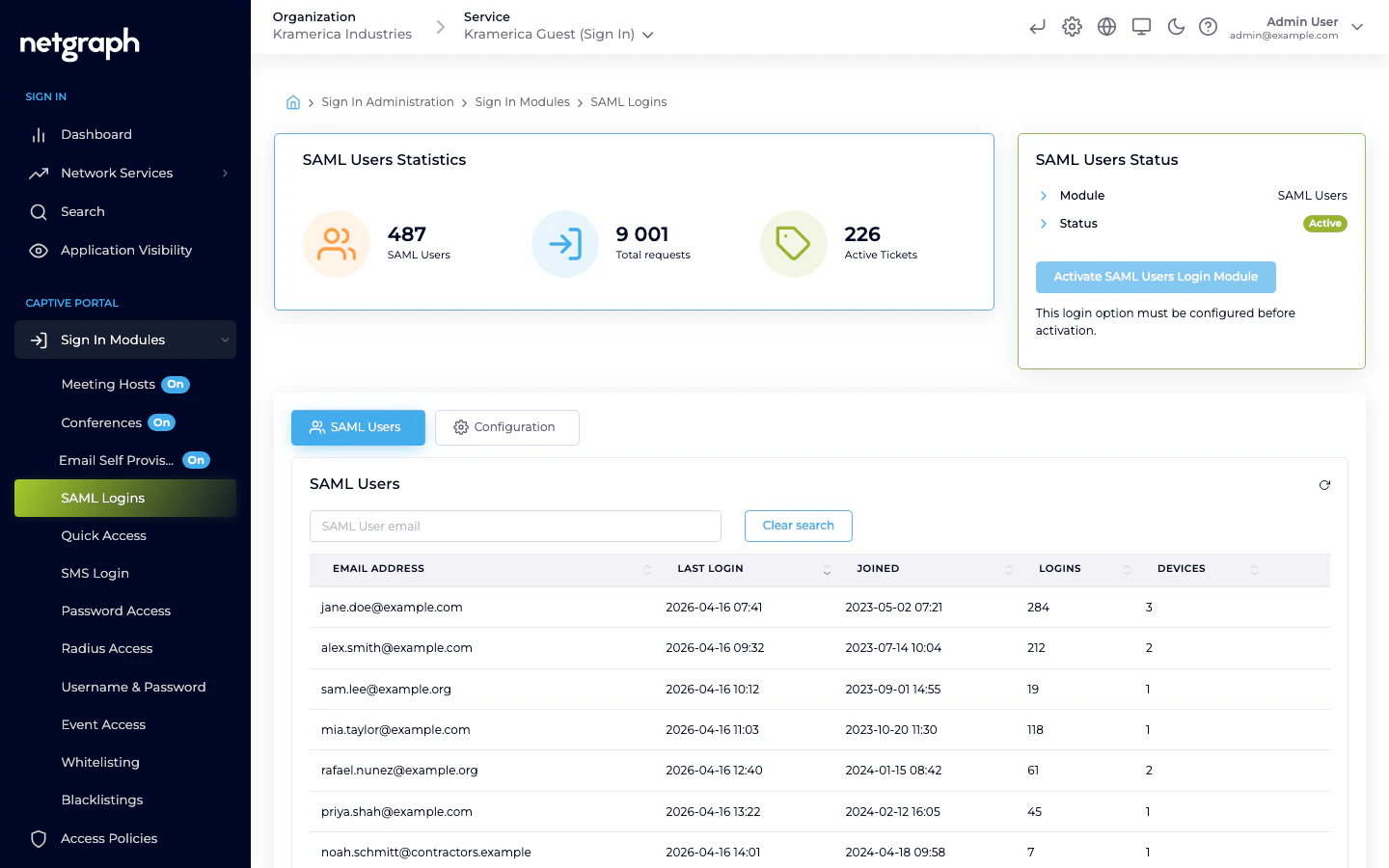
The main tab lists SAML-authenticated guests by email with last login, total logins, and device counts.- Filter by email.
- Revoke a guest — future sign-ins require another SAML round-trip (and still have to pass the Access Policy).
Compared to Organization-Admin SAML
Two separate configurations live under Organization → Accounts → Federation:| Target | Audience | Used for |
|---|---|---|
| Admin Portal | Organization administrators | Signing in to the Admin Dashboard |
| Self Service | Organization’s end users | Self-Service Portal and Captive Portal SAML |
MFA in the Captive Portal
Multi-factor prompts can be difficult during Captive-Portal sign-in — many devices restrict multitasking while captive, so the guest can’t easily open an authenticator app. If MFA becomes a blocker, your IdP may support conditional policies that skip MFA specifically for the Captive Portal application. See SAML IdP setup → disabling MFA for the Captive Portal.Related
Organization SAML authentication
Where the Self-Service IdP is configured.
SAML IdP setup
Concrete walkthroughs for Azure, Google, Okta.
Access Policies
Where SAML provisioning is enabled and users are filtered.
Walled garden
Pre-auth reachability for the IdP hostnames.