

Four variants, four audiences
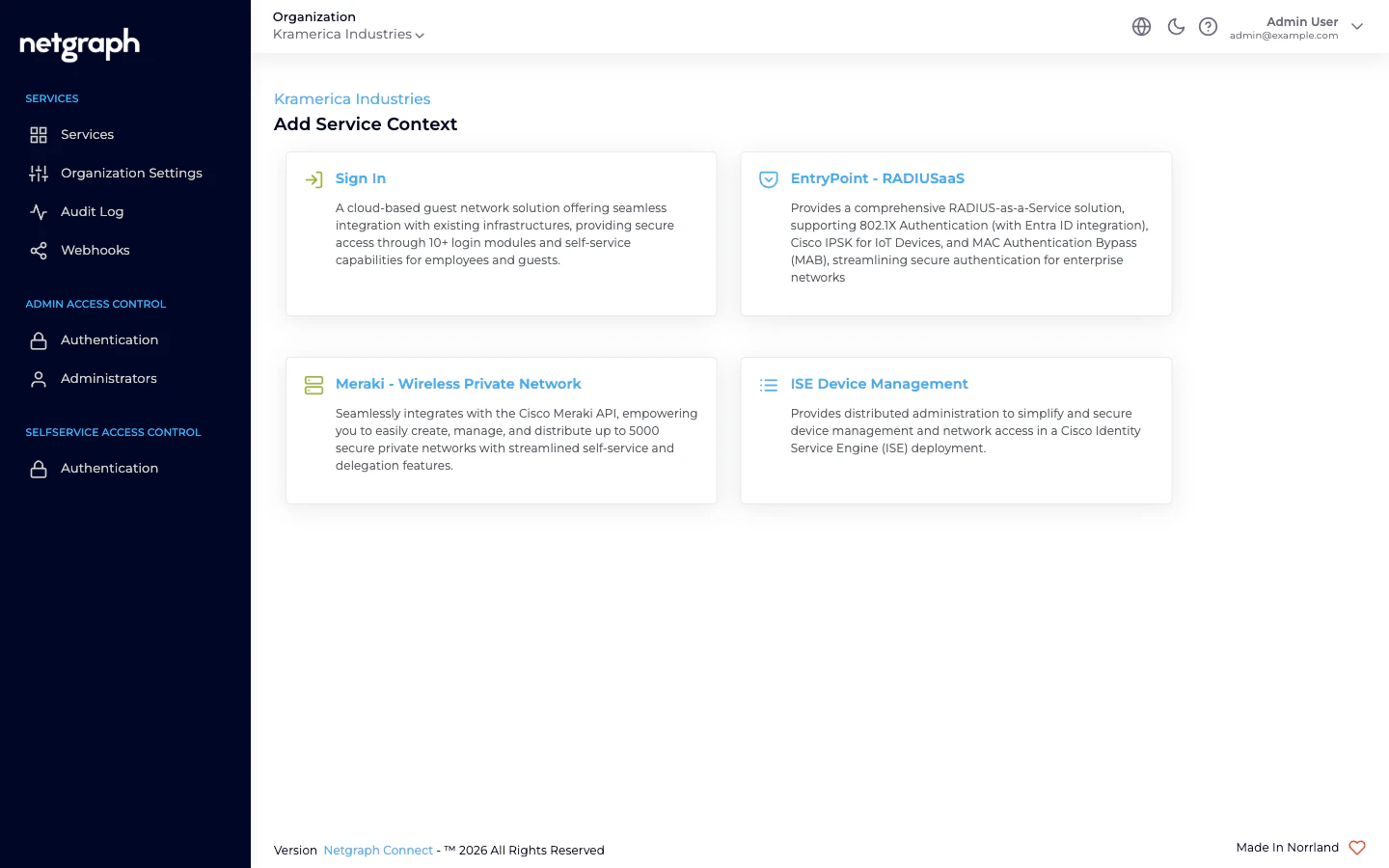
When you add an EntryPoint Context, the Create RADIUSaaS Context wizard asks which variant you want. Each of the four serves a different audience cleanly; each has its own chapter in this documentation.EAP-PEAP
Username-and-password 802.1X with delegated, per-audience Self-Service. Employees, contractor firms, vendor teams, event cohorts — each audience gets its own Group, each Group’s lead invites their own people.
EAP-TLS with Microsoft Entra ID
Certificate-based 802.1X for managed corporate fleets. Groups mirror Entra groups; pair with Intune for device compliance at the RADIUS layer.
iPSK for Cisco Networks
Per-Group Identity PSK for Cisco Wi-Fi. IoT fleets with distributed administration — each device class is a Group owned by the vendor or internal team that runs it.
Radius Proxy for eduroam
Forward RADIUS to a remote server — almost always a national eduroam federation tier. No local identities, no Self-Service, single Default Device Group.
What every EntryPoint Context gives you
- A dedicated RADIUS hostname that your WLAN controllers, switches, and routers authenticate against.
- A per-Context shared secret for those clients, plus an IP allow-list restricting which network ranges can reach the service. See RADIUS clients.
- Attribute Profiles — named bundles of RADIUS return attributes (VLAN, SGT, tunnel attributes) attached per Group. See Attribute Profiles.
- An audit log of every configuration change.
- Webhooks for configuration-audit events. See Webhooks.
The group-level dimension
One theme runs across three of the four variants: Group-level administration delegates day-to-day work to the people who actually own the fleet.- In EAP-PEAP, each audience (employees, a contractor firm, a vendor team, an event cohort) is a Group, and the audience’s lead invites their own people via the Self-Service portal. IT never sees the per-user churn.
- In iPSK, each device class is a Group, and the vendor or internal team that owns the fleet manages the MACs and rotates the PSK without IT involvement.
- In EAP-TLS with Entra, each Group mirrors an Entra group — roster management happens in Entra, which your identity team already runs; EntryPoint follows.
Where to go next
Quickstart
Stand up a Dot1x Context with EAP-PEAP and authenticate a first device.
Comparing variants
Side-by-side feature matrix — pick the right variant for your audience.
EntryPoint Context
The cross-cutting Context model used by every variant.
Creating a Context
The variant-picker wizard, start to finish.