

Where profiles are configured
Open the Context’s Configuration → Attribute Profiles tab. A fresh Context shows an empty table with columns for Name, Description, Attributes, and Created.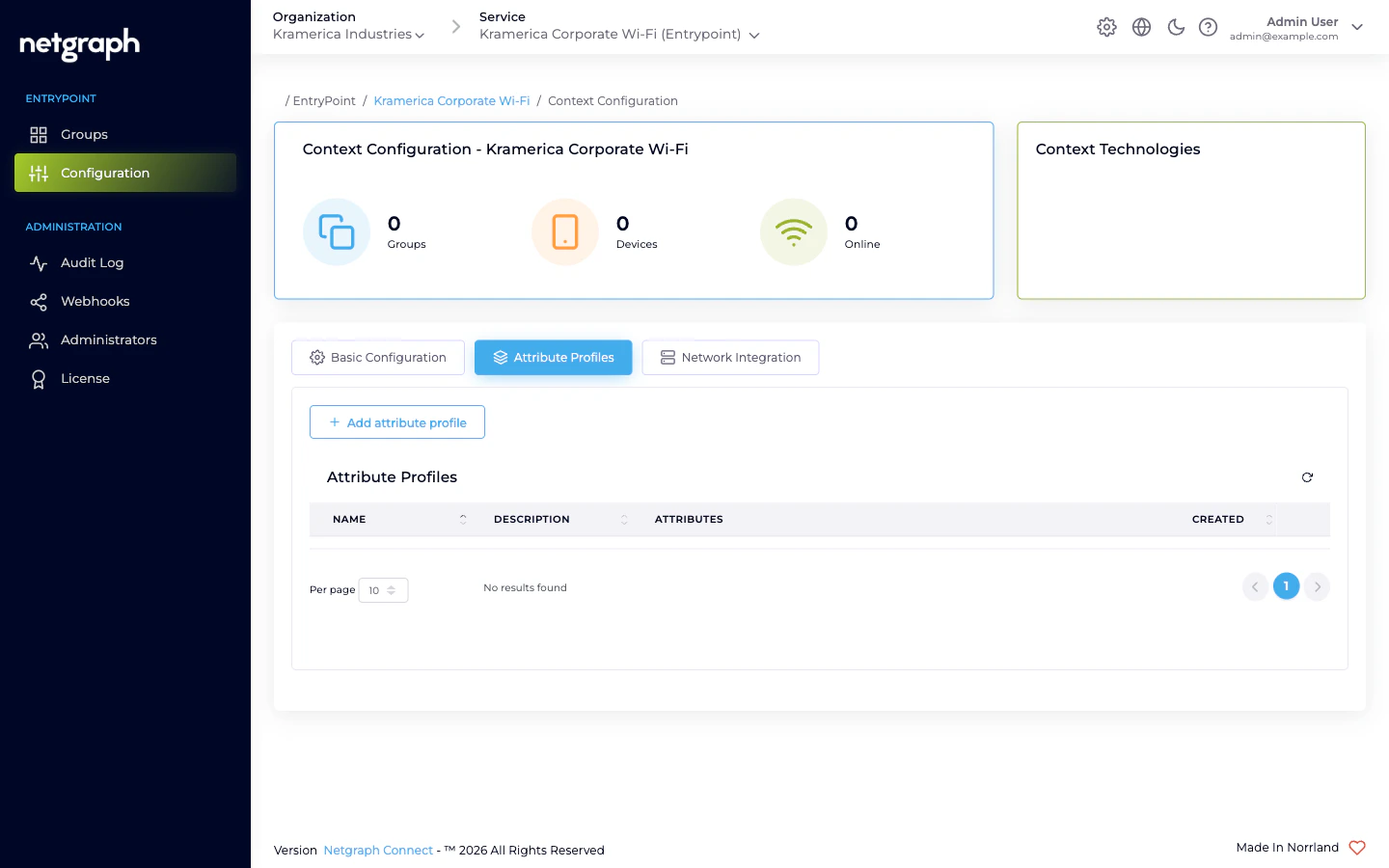
Creating a profile
Click Add attribute profile to open the Create Attribute Profile dialog. A profile has three fields plus one-or-more attribute rows.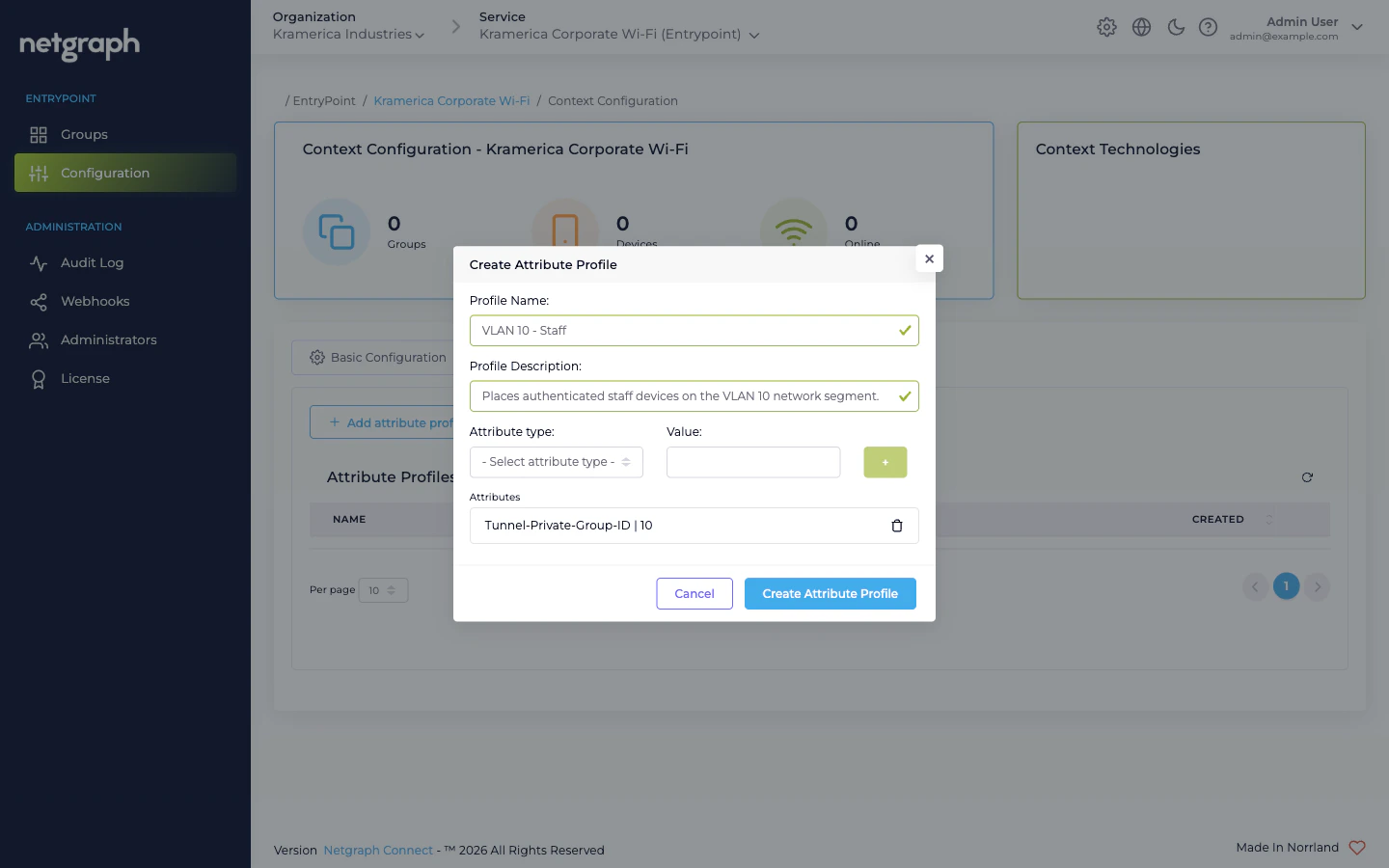
- Profile Name — free-text identifier (it’s lower-cased when saved).
- Profile Description — free-text, up to 60 characters.
- Attribute type (dropdown) — one of the RADIUS attribute types the service supports.
- Value — the value to send for that attribute.
- The + button adds the (type, value) row to the Attributes list. Add as many attributes to one profile as you need.
Attribute types available
The type dropdown lists:Cisco:cisco-av-pair— vendor-specific Cisco AV pair. Used for Cisco-only attributes like Security Group Tags (cts:security-group-tag=<sgt>) or URL redirects.IEEE:Tunnel-Type— typically13(VLAN), paired withTunnel-Medium-TypeandTunnel-Private-Group-IDto assign a VLAN.IEEE:Tunnel-Medium-Type— typically6(IEEE-802) for Wi-Fi.Tunnel-Private-Group-ID— the VLAN ID itself (as a string).
Using a profile
A Profile is attached to a Group by name. The attachment lives on the Group’s Settings:- Dot1x Groups reference Attribute Profiles via the group’s configuration card.
- Radius Proxy Contexts reference Attribute Profiles on the Default Device Group (the only Group in a Proxy Context).
- iPSK Contexts have a Default attribute profiles card at Context level that applies to all Groups unless overridden.
Example: VLAN assignment
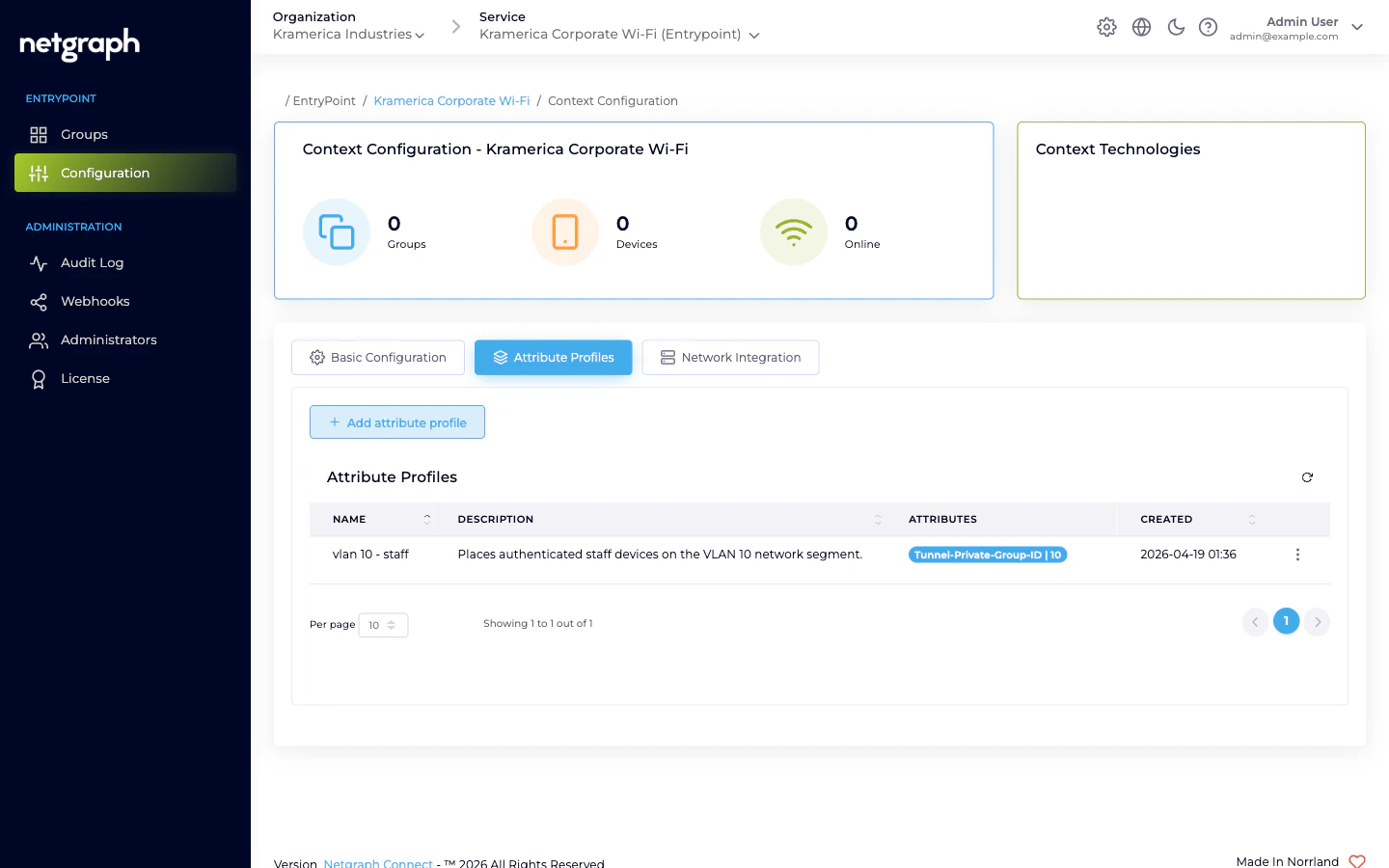
To drop authenticated devices onto VLAN 10, create a profile (e.g. VLAN 10 - Staff) with three attributes:| Attribute type | Value |
|---|---|
IEEE:Tunnel-Type | 13 |
IEEE:Tunnel-Medium-Type | 6 |
Tunnel-Private-Group-ID | 10 |
Related
Comparing variants
How Groups differ across the four variants — Profiles attach to all of them.
EntryPoint Context
Profiles are Context-scoped.