

What Sign In provides
- A Captive Portal — brand-customizable (logo, colors, fonts, background), responsive, and shipped in 13 languages. Organizations can override any string per locale.
- 10+ Sign In Modules — the authentication methods guests use. Combine them however your audiences need: Meeting Host approval, self-provisioning via Email or SMS, SAML SSO for BYOD, RADIUS against a library or visitor system, Click-to-Connect for instant access, Whitelisting for headless devices, and more. See Sign In Modules.
- Access Policies — per-audience rulesets that control which modules are enabled, how long sessions last, how many devices a guest can register, and more. See Access Policies.
- A Self-Service Portal — guests manage their own devices and subscriptions without involving administrators.
- Cisco-native integrations — Meraki (direct API) and Service Gateway (routed deployment on Cisco Catalyst / IOS-XE / SD-WAN).
- Webhooks — stream login and session events into your CRM, SIEM, or business systems.
- Compliance controls — data retention, GDPR data search, audit of administrative actions.
Who operates Sign In
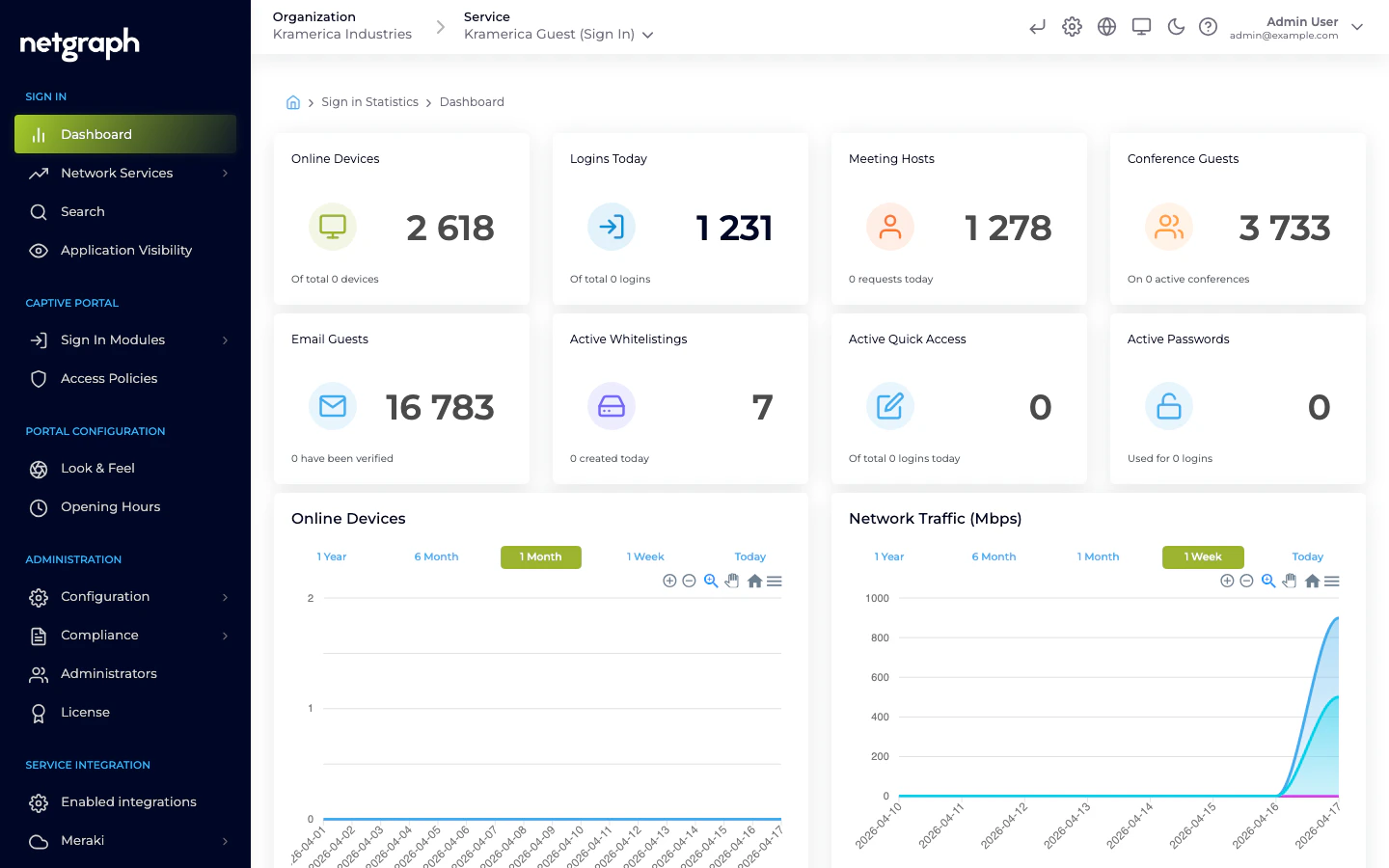
Sign In is operated by Organization administrators in the Admin Dashboard. You create a Sign-In Context, configure its modules and policies, manage branding and integrations, and respond to device approvals and audit events — all from inside the Organization.Where to go next
Quickstart
Create your first Sign-In Context and take a guest through the portal.
Sign-In Context
The unit you configure inside an Organization.
Sign In Modules
The authentication methods, and when to use each.
Access Policies
How module enablement, device limits, and session rules are enforced.