

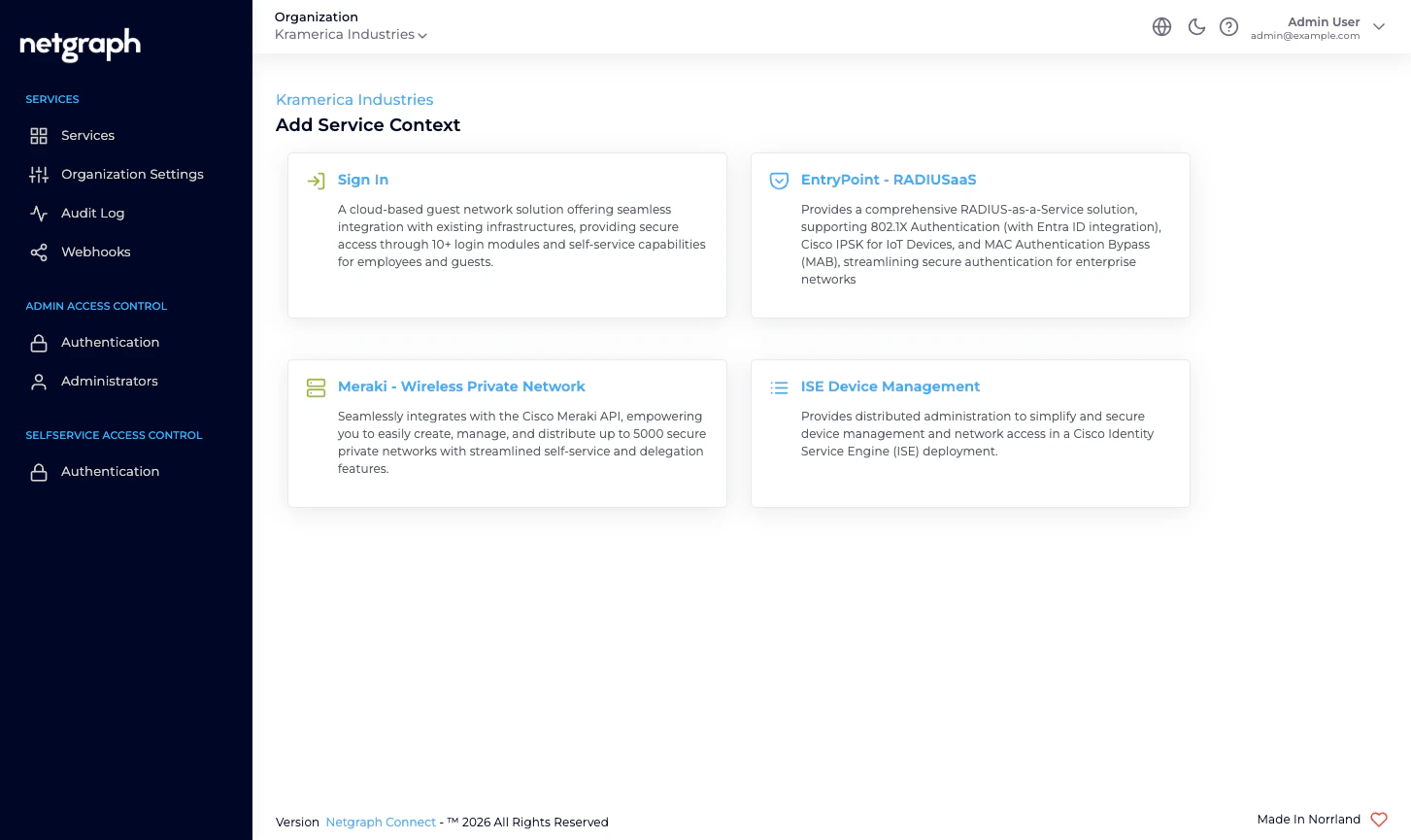
The core idea — distributed administration of ISE Endpoint Identity Groups
A Cisco ISE Context connects the platform to an ISE instance you already run and surfaces its Endpoint Identity Groups. You opt each group in to managed administration, one by one, and invite one or more Self-Service Users to each managed group. For example:IP_Phonesis managed by a Group Administrator from your telephony vendor.Camerasis managed by a Group Administrator from the security contractor.Conference_Room_Displaysis managed by a Group Administrator from the AV integrator.Digital_Signageis managed by a Group Administrator from the marketing agency.
What Endpoint Manager is not
- Not a RADIUS service. Your Cisco ISE continues to do all authentication and authorization — 802.1X, MAB, iPSK, profiling rules, authorization policies. Endpoint Manager sits next to ISE, not in front of it.
- Not a replacement for ISE’s admin UI. You still run ISE’s own admin for policy work, identity sources, certificates, and the rest. Endpoint Manager only covers the per-endpoint, per-group work you want to delegate.
- Not the same as EntryPoint’s iPSK for Cisco Networks. EntryPoint’s iPSK is a Netgraph-hosted RADIUS service that serves iPSK directly to your Cisco controllers. Endpoint Manager iPSK Management is delegated administration of iPSK endpoints that Cisco ISE is already serving. Two distinct Services for two distinct deployment shapes — don’t conflate them.
- Not a Meraki-side tool. If your shared-SSID, per-unit key deployment is on Meraki, look at EasyPSK for Cisco Networks.
Who operates Endpoint Manager
Organization administrators connect the platform to their Cisco ISE (one-time API credentials), decide which of ISE’s existing Endpoint Identity Groups to bring into managed administration, and invite a Group Administrator on each. From that point the Group Administrator manages their group from the Self-Service portal — adding, updating, batch-importing, revoking — without involving you.Prerequisites
You will need:- A Cisco ISE deployment that you administer, reachable over HTTPS from the platform’s egress FQDN (shown in the admin’s API Configuration card).
- A dedicated ISE API user with permission to read and write endpoints, read endpoint identity groups, and query the Monitoring API.
- ISE’s ERS (External RESTful Services) API, Open API and Monitoring API (MnT) enabled on the deployment. All three must respond before the Context is usable.
- The Endpoint Identity Groups you want to manage either already in place or ready to be created from the admin.
- For each Managed Attribute you want to synchronise (for example
vendor-owner,asset-tag,maintenance-window), a matching Endpoint Custom Attribute defined in ISE under Administration → Identity Management → Endpoint Custom Attributes.
Where to go next
Quickstart
Connect an ISE, manage the first group, invite the first Group Administrator.
Endpoint Identity Groups
The hero concept — a managed reflection of an ISE group.
Delegated administration
Who does what, and where the trust boundary sits.
Cisco ISE connection
Base URL, API user, and the three ISE APIs to enable.