

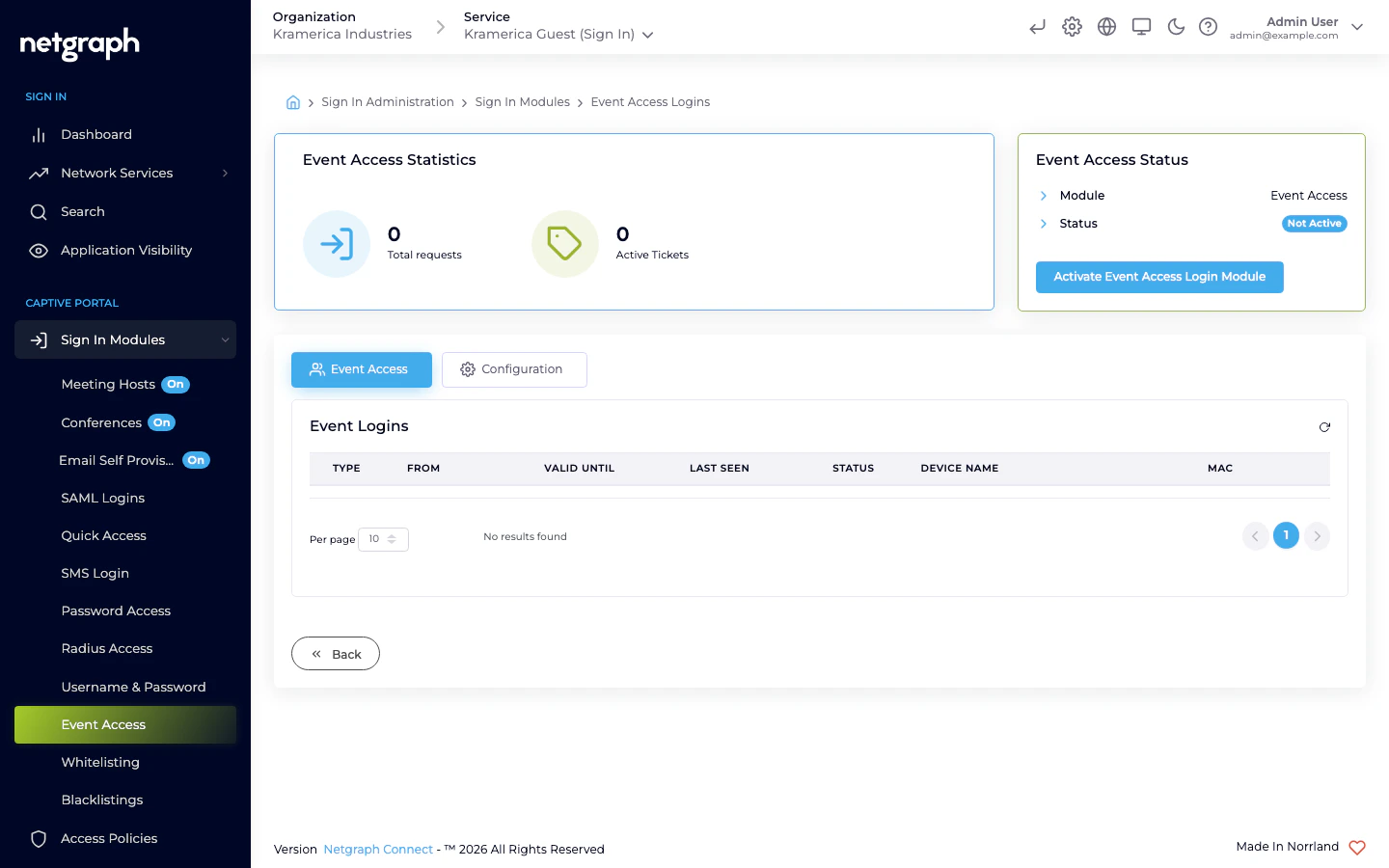
How a guest signs in
- The guest picks Event Access on the Captive Portal.
- Access is granted immediately. No form, no code, no verification.
- The guest is redirected to the Context’s anonymous redirect URL.
- The session runs for the Context’s anonymous-login timeout.
When to use (and not use) Event Access
Use it when:- The venue already controls who reaches the network (ticketed, gated, or physically restricted).
- You don’t need to identify individual guests.
- You want to show terms of service but don’t need a verification flow.
- You need to know who signed in (reporting, marketing, compliance). Use one of the identity-collecting modules instead.
- The venue is open to the public and you need some friction to discourage abuse. Use Self-Provisioning by Email or SMS.
Activate the module
Access Policies
Event Access is not gated by an Access Policy — if the module is active at Context level, it is available to any guest who reaches the Captive Portal. Keep the session length short; pass-through sessions are the easiest to abuse when timeouts are long.Related
Self-Provisioning by Email
When you need a low-friction flow but still want to identify guests.
Opening hours
Pair Event Access with tight Opening Hours when access should only
be available during a fixed window.