

- Library systems. Visitors sign in with their library card credentials against the library system’s RADIUS server.
- Organization visitor systems. A customer runs a visitor-management system with a RADIUS front-end; Sign In calls it so visitors can use the same credentials they were issued elsewhere.
- Any third-party credential source reachable over RADIUS — no need for Sign In to own or replicate those accounts.
How a guest signs in
- The guest picks RADIUS on the Captive Portal.
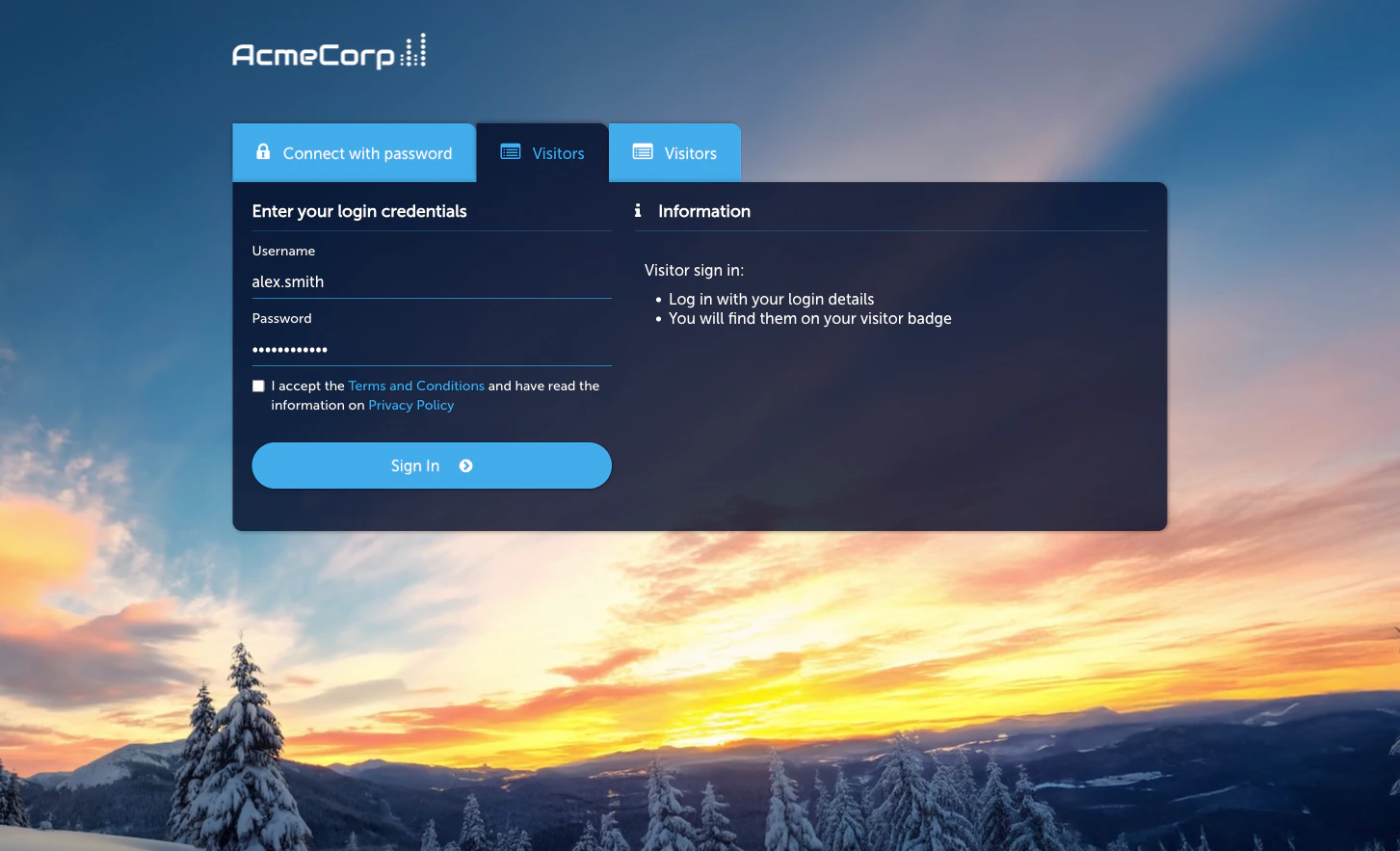
- They enter the username and password issued by the external system (library card number, visitor code, etc.).
- Sign In sends an
Access-Requestto the configured external RADIUS server. - On
Access-Accept, the guest is granted access per the applicable Access Policy.
Prerequisites
- A reachable external RADIUS server and a shared secret.
- Firewall rules permitting Sign In’s outbound RADIUS traffic to reach the server.
- Agreement with the RADIUS server’s operator that Sign In is authorised to submit authentication requests on behalf of guests.
Activate the module
Configure the external RADIUS server
On the Configuration tab’s Radius Connection sub-tab, set the
server host, port, shared secret, and timeout / retry behaviour.
Set session length and redirect
On the Session Length & Redirect sub-tab, set how long a
successful RADIUS sign-in grants access and where the guest
lands afterwards.
Managing RADIUS guests
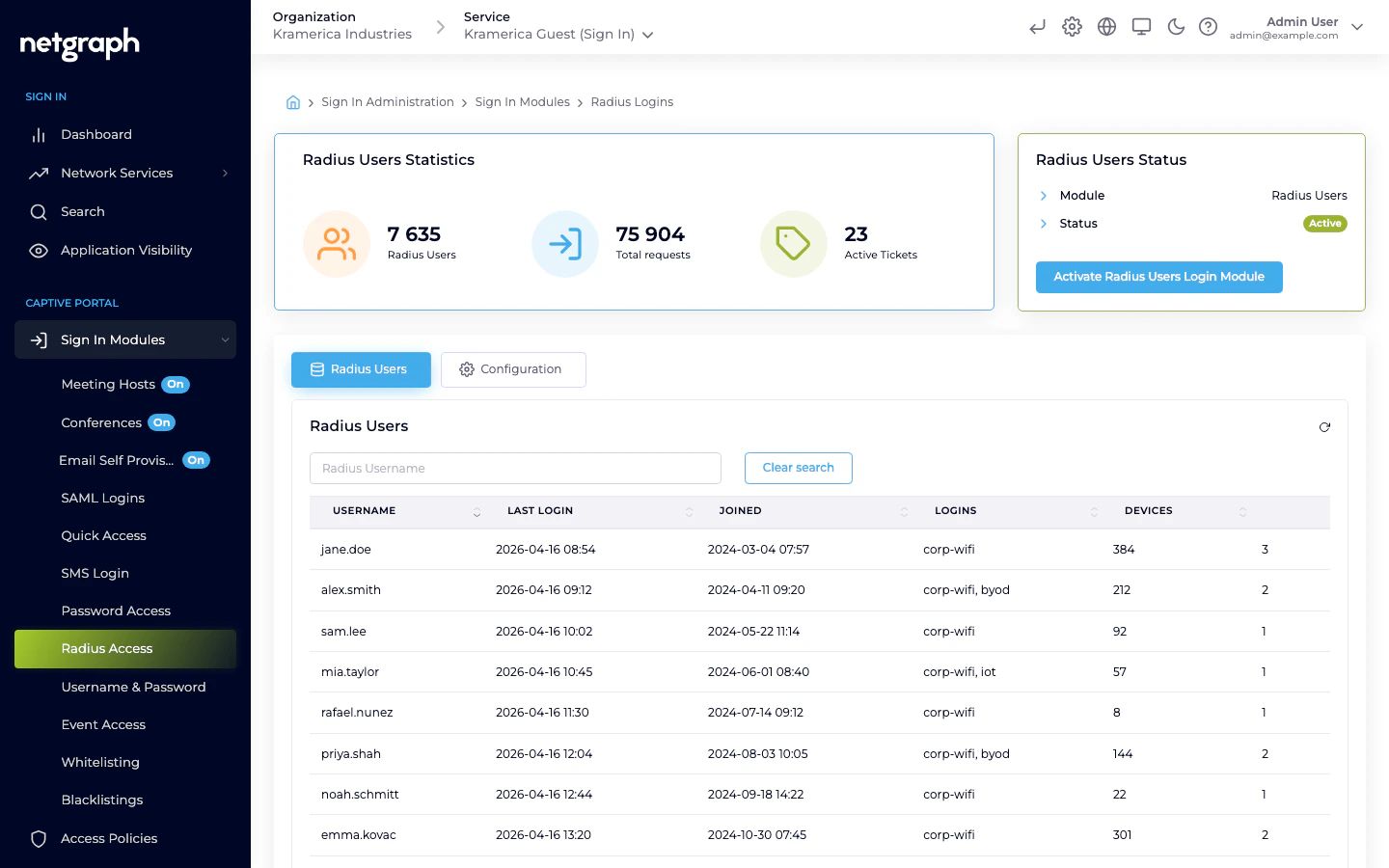
The main tab lists RADIUS-authenticated guests by username with last login, total logins, and devices.- Filter by username.
- Revoke a guest — the next sign-in requires a fresh RADIUS round-trip against the external server.
Access Policies
RADIUS is not gated by an Access Policy — if the module is active at Context level, it’s available to any guest who reaches the Captive Portal. Session length and redirect are controlled on the module’s Session Length & Redirect Configuration sub-tab.Compared to SAML
| Feature | RADIUS | SAML SSO |
|---|---|---|
| Identity backend | External RADIUS server | SAML IdP |
| Browser round-trip required | No | Yes |
| Password handling | Proxied via Sign In to the external server | Never touches Sign In — IdP handles |
| Typical setup effort | Low (shared secret) | Medium (SP registration + attribute mapping) |
| Best for | Library systems, visitor systems, legacy credential stores | Corporate BYOD with modern IdPs |
Related
SAML SSO
Federated BYOD sign-in — credentials never pass through Sign In.
Username & Password
Accounts managed inside Sign In, without an external identity source.