

How a guest signs in
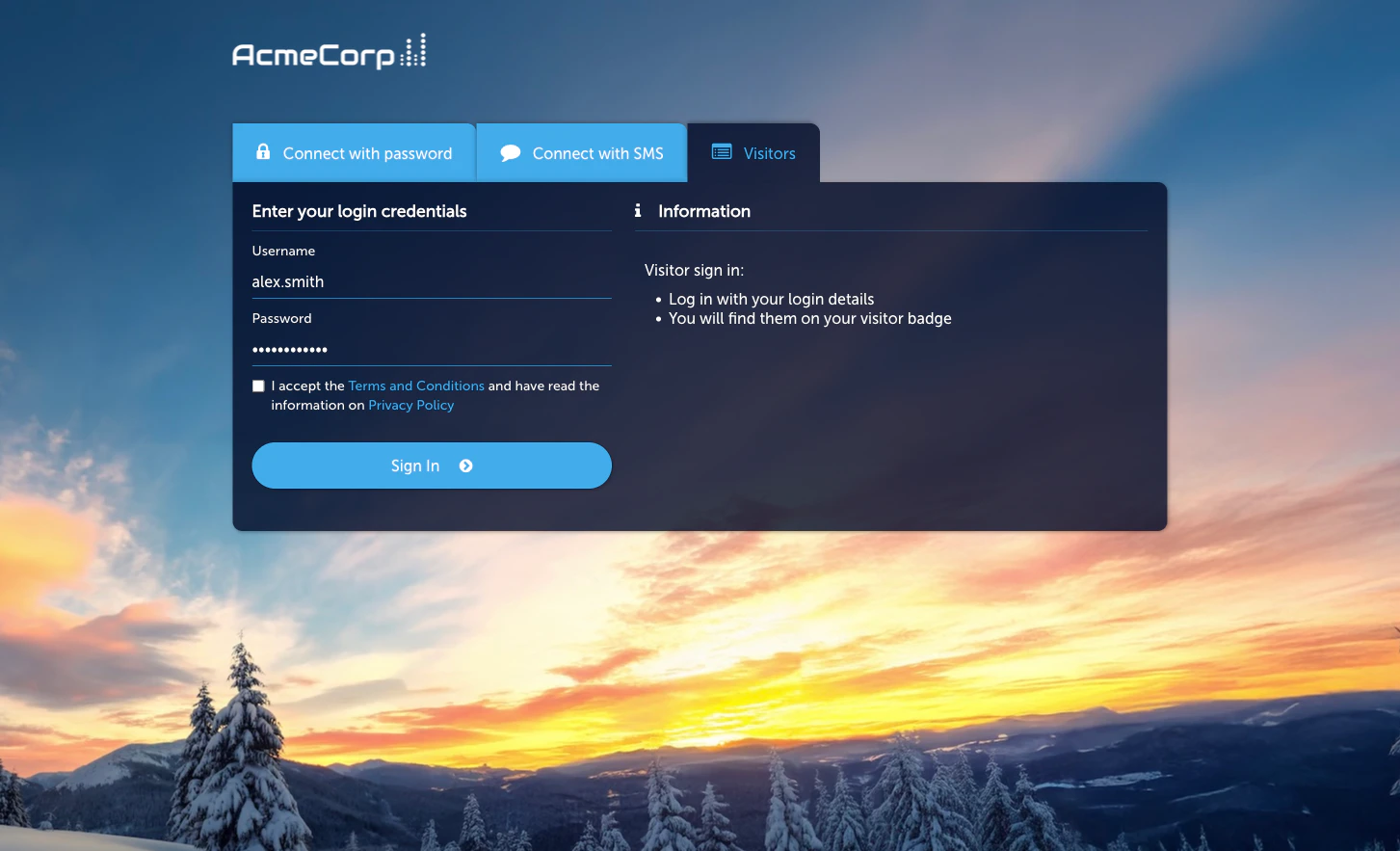
- On the Captive Portal, the guest picks Username & Password.
- They enter their username and password.
- If credentials are valid and the guest’s Access Policy allows it, access is granted.
Activate the module
Activate
Click Activate Username & Password Login Module. The Status card
flips from Not Active to Active.
Managing users
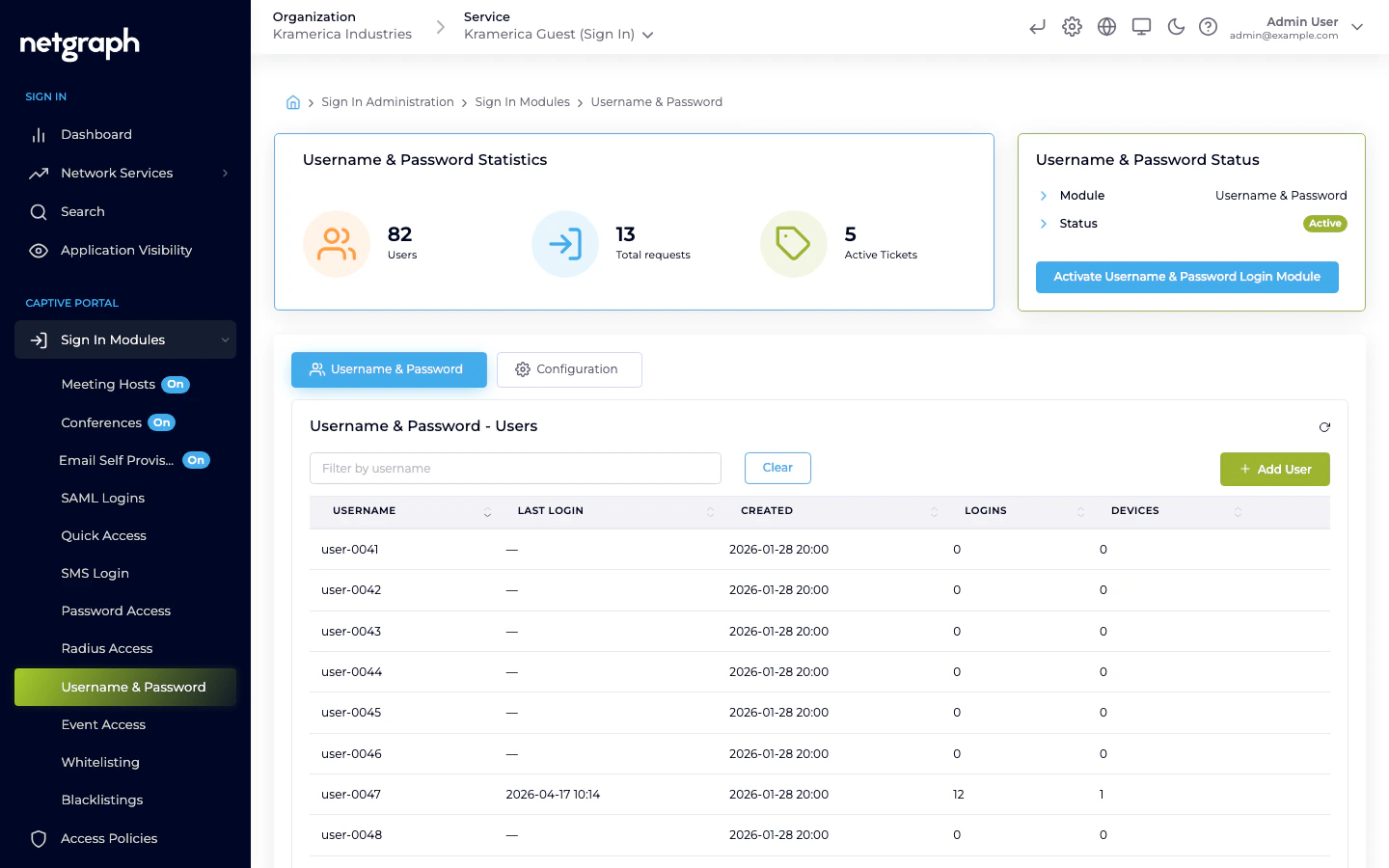
The main tab (Username & Password → Username & Password) lists all users registered on this Context, with columns for username, last login, created date, total logins, and current device count.- Add User — create a user account with a username and a password. Only admins can create users — either here in the admin, or through the Sign In API for bulk onboarding. Guests cannot register themselves through this module.
- Filter by username — search as the list grows.
- Per-user actions — view login history, reset password, revoke the account.
Session length and redirect
Session length and the post-sign-in redirect URL are configured on the module’s Configuration tab’s Session Length & Redirect sub-tab. Username & Password is not gated by an Access Policy.Compared to Password Subscription
| Feature | Username & Password | Password Subscription |
|---|---|---|
| Each guest has their own account | Yes | No (shared) |
| Credentials are long-lived | Yes (until admin revokes) | Depends on variant — Static is long-lived; Subscription rotates on an interval |
| Best for | Named users, returning guests | Events, day passes, shared venues |
Related
Password
Shared passwords — fixed Static or rotating Subscription.
Access Policies
How per-audience gating works for the policy-gated modules.