

How a guest signs in
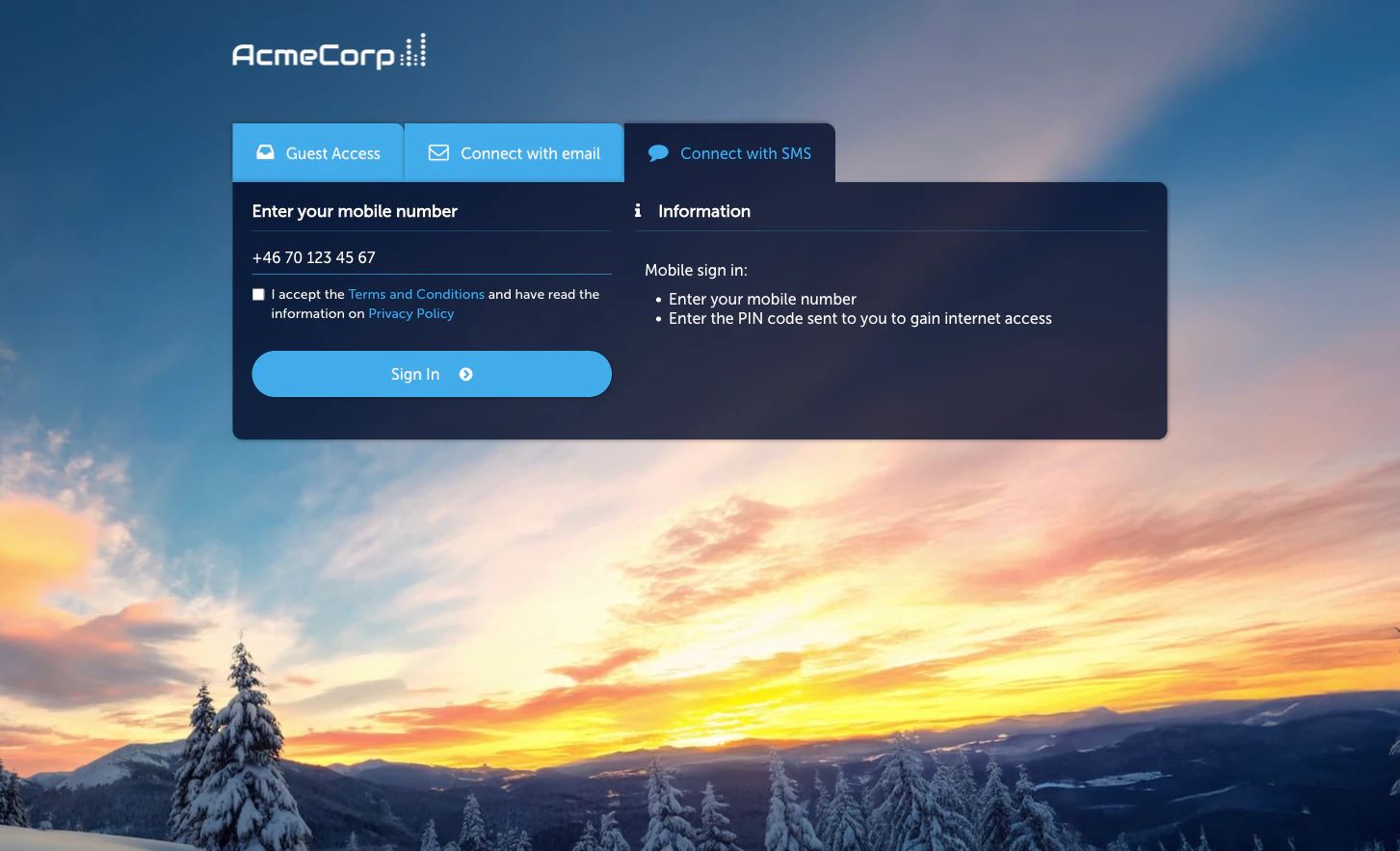
- On the Captive Portal, the guest picks SMS and enters their mobile phone number.
- An SMS arrives with a one-time PIN code.
- The guest enters the PIN on the portal. If the PIN matches, access is granted.
Prerequisites
SMS delivery requires an SMS gateway to be configured on this Sign-In Context. The SMS provider is configured per Context — different Contexts can use different providers if needed. Without a configured provider, the module can be activated but no codes will be delivered. Supported gateway shapes depend on your plan. Coordinate with your Netgraph point of contact to provision an SMS gateway for the Context.Activate the module
Configure the SMS provider
On the Configuration tab’s SMS Provider sub-tab, connect the
SMS gateway this Context should use.
Set the default country code and session length
On the Basic Settings sub-tab, pick the default country code
shown on the portal and the session length granted by a successful
sign-in.
Configuration
The module Configuration tab has three sub-tabs:- Basic Settings — default country code pre-selected on the portal, session length granted by a successful sign-in, and the post-sign-in redirect URL.
- SMS Provider — connection to the SMS gateway provisioned for this Context.
- Language Settings — per-language overrides for the Captive Portal strings.
Managing guests
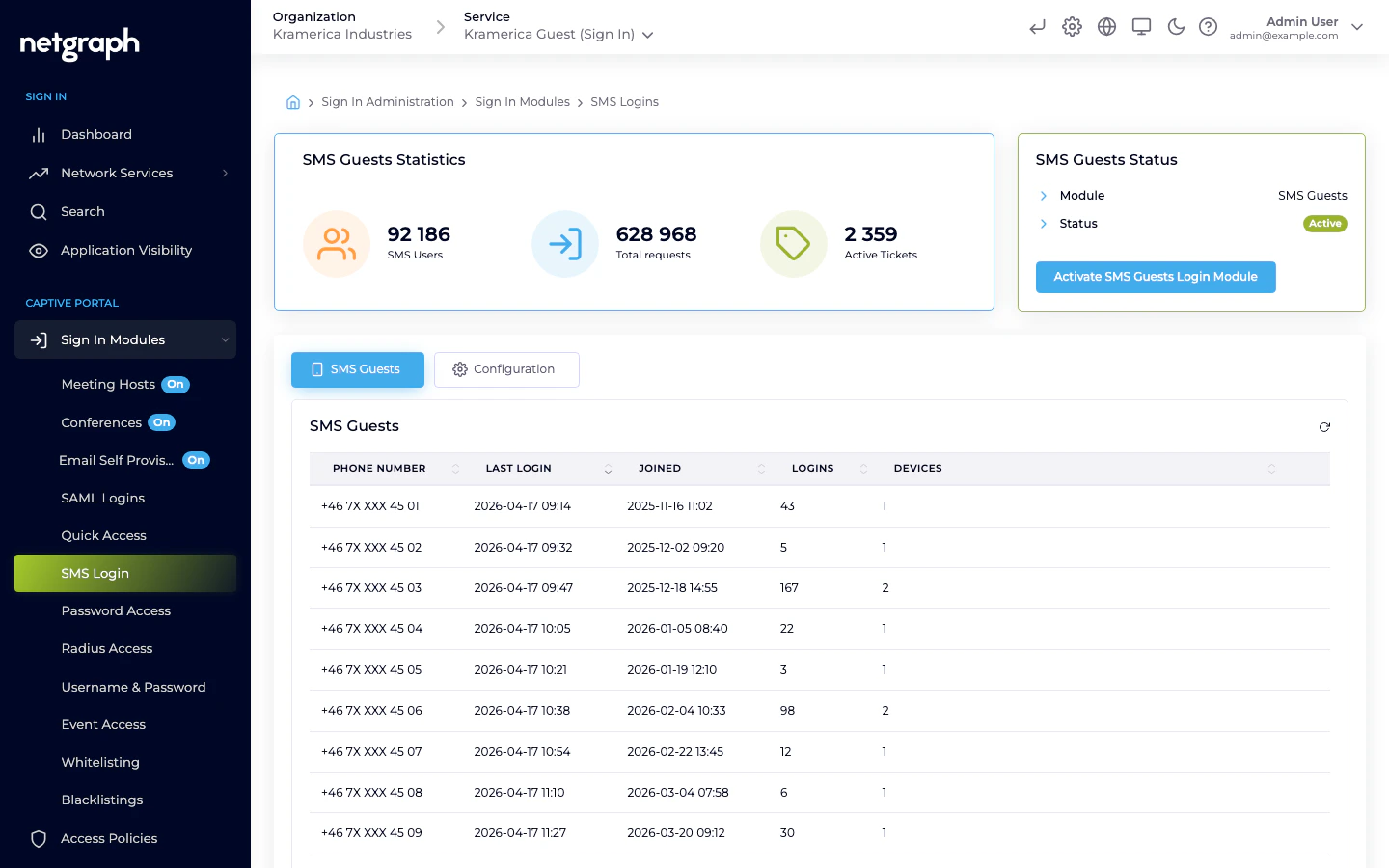
The main tab lists registered SMS guests by phone number, with last login, total logins, and device counts.- Filter by phone number.
- Revoke a guest — deletes the record; next sign-in requires a fresh verification.
Access Policies
SMS is not gated by an Access Policy — if the module is active at Context level, it is available to any guest who reaches the Captive Portal. Session length and redirect behaviour are configured on the module’s Basic Settings sub-tab, not on a policy.SMS delivery costs
SMS delivery has a direct per-message cost that flows through your SMS provider. If your provider doesn’t already rate-limit traffic, coordinate with them on how to handle repeated requests for the same number.Related
Self-Provisioning by Email
Same self-service pattern, verified by email instead of SMS.
Meeting Host
Host-approved flow where an employee vouches for the guest.