

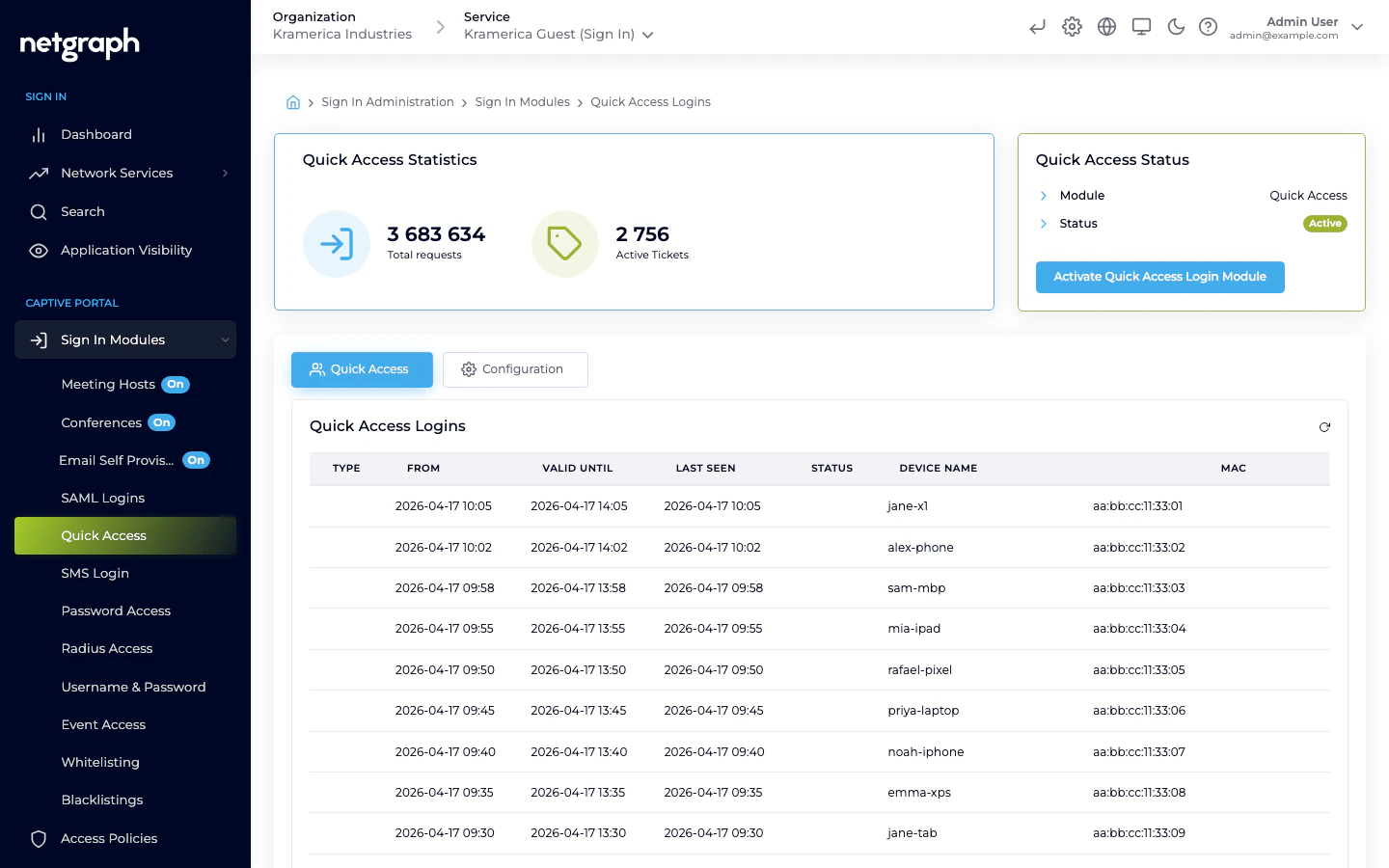
How a guest signs in
- The guest’s device joins the guest SSID and is redirected to the Captive Portal.
- They pick Quick Access (labelled Click-to-Connect on portals that use the product name), confirm the Terms and Conditions, and tap the button.
- Access is granted immediately and the guest is redirected to the URL configured for this module.
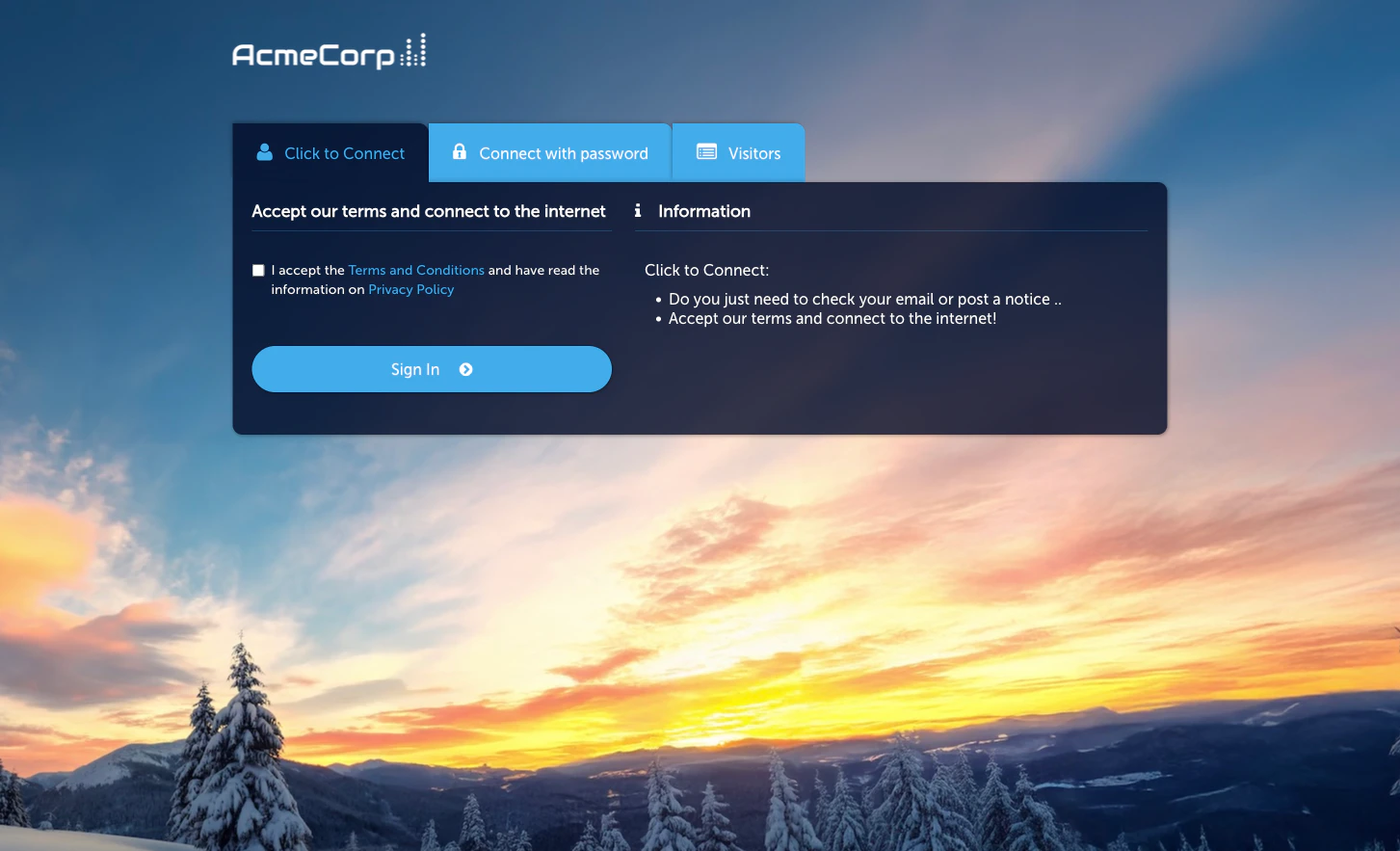
Activate the module
Configuration
The module Configuration tab has three sub-tabs:- Session Length & Redirect — the session duration granted by a Quick Access sign-in and the redirect URL used afterwards.
- WiFi4EU (legacy) — legacy support for the WiFi4EU programme; leave off unless you specifically need it.
- Language Settings — per-language overrides for the Captive Portal’s Quick Access strings.
When to use Quick Access vs other modules
- Quick Access / Click-to-Connect — zero-friction, no identity collected. Use when the venue doesn’t need to know who signed in.
- Password — shared passwords (fixed Static or rotating Subscription) when you want some gating without per-guest accounts.
- Self-Provisioning by Email — when you want to capture the guest’s email at sign-in.
Related
Click-to-Connect
The product-facing view of the same module.
Event Access
Similar pass-through sign-in, used for ticketed events.