

- Revocation after abuse. A guest’s device violated acceptable-use policy; block the MAC so they can’t rejoin.
- Known-bad hardware. A device has been reported lost, stolen, or compromised.
- Neighbour interference. A persistent nearby device keeps connecting to your SSID by mistake.
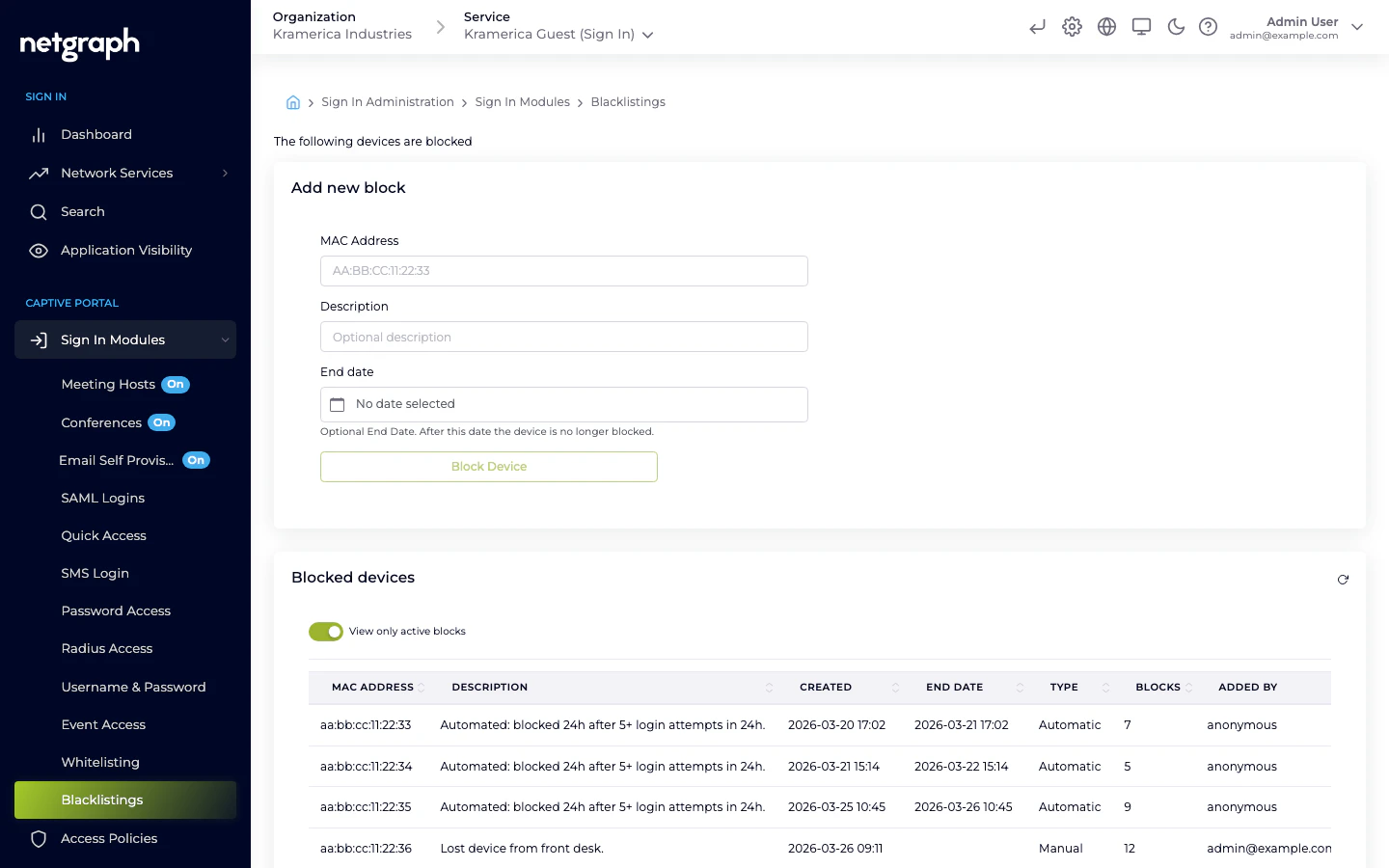
How blocking interacts with Sign In Modules
Blocking is evaluated at the network level, independent of which module the guest would use. A blocked MAC:- Cannot complete any Sign In Module flow. Password, SAML, SMS, everything returns “access denied”.
- Cannot be whitelisted through Whitelist until the block is removed.
- Has any active session terminated if a block is added mid-session.
Adding a block
Add a block from Sign In Modules → Blacklistings in the Context admin. Each entry has:- MAC address — required.
- Description — free-text description of why the device is blocked; this is what admins see on the list later.
- End date — when the block expires.
Removing a block
Remove the entry from the Blacklistings list. Once removed, the device can sign in again through whichever modules are enabled for its audience’s Access Policy.Blocking vs. revoking a session
Different tools for different situations:- Revoke a single session — use this when you want to disconnect a guest right now but they may rejoin legitimately later. Revoke from the Dashboard or Search views.
- Block the device — use this when you want to prevent future access regardless of which module they try.
- Block the identity — for identity-based modules (Email, SMS, Username & Password, SAML), revoke the guest’s record in the module instead of the device. This blocks the identity across device changes.
Related
Whitelist
Pre-approve devices by MAC — the opposite flow.
Sign In Modules
How blocking interacts with each authentication method.