

Where it fits
Context-level properties
Set when you create the Context (see Quickstart) and editable afterwards:| Property | Purpose |
|---|---|
| Context Name | Internal label, also shown in the Self-Service Portal and emails. |
| SSID Name | The guest SSID. Used in email notifications to guests. |
| Default Redirect | Where a guest lands after a successful login, unless an Access Policy overrides it. |
| Service Type | Production for real deployments, Demo for a simulated environment with mocked data and no real network traffic. |
| Network Integration | Service Gateway, Meraki, or both. Changeable later under Network Settings. |
What lives inside a Context
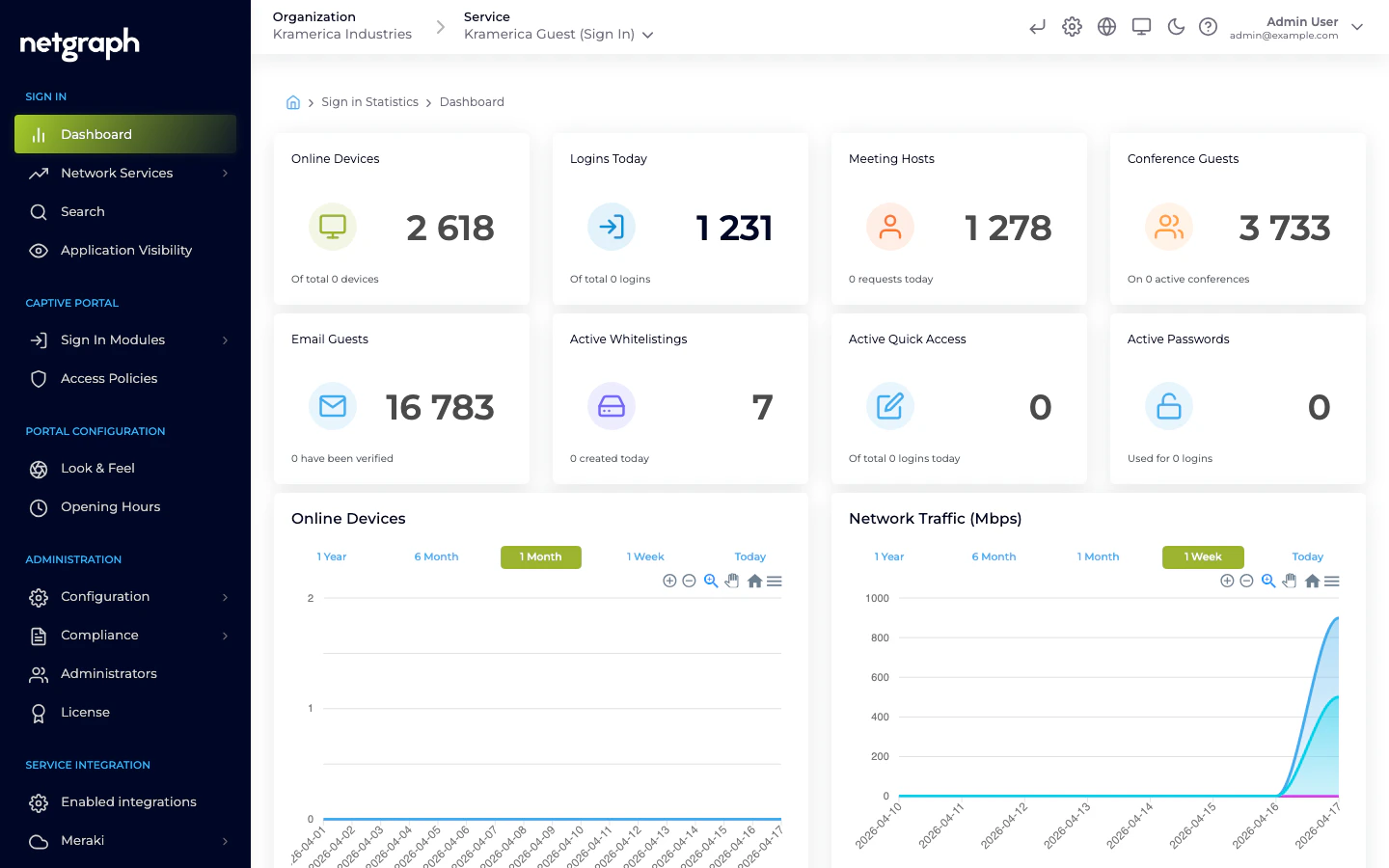
The Context admin left navigation groups functionality into five sections:- Sign In — Dashboard, Network Services, Search, Application Visibility.
- Captive Portal — Sign In Modules and Access Policies.
- Portal Configuration — Look & Feel (branding) and Opening Hours.
- Administration — Configuration (common settings, Sites, Webhooks, Audit Log), Compliance (Terms and Conditions, retention, user-data export), Administrators, and License.
- Service Integration — Enabled integrations, Meraki, and Service Gateway.
The Captive Portal
Each Sign-In Context has exactly one Captive Portal. The portal URL is shown as a link at the top of the admin header (visible while you’re inside the Sign-In Context) and opens the live portal in a new tab. Use it to preview changes after editing branding or enabling modules. The Captive Portal is identified by a subdomain slug derived from the Context. Branding, translations, terms-of-service, and the set of enabled modules are all served to the portal from the backend — Organizations customize without touching code.Relationship to other concepts
- A Context holds many Sign In Modules. Each module is configured at Context level.
- Access Policies control which modules are actually offered to a given guest and under what conditions.
- Events produced by this Context can be delivered via Webhooks.
Next
Sign In Modules
The authentication methods available inside a Context.
Access Policies
How a Context’s modules are turned on per audience and rule.